

Data Migration to a new management system – everything you need to know before switching
What did this change look like in practice?
Switching to a new gym management system is an important decision that can significantly improve your club’s daily operations. Yet for many gym owners, one concern outweighs all others: What will happen to my existing data?
Will member records be lost? Can recurring memberships be transferred? What about class bookings, check-in history, or payment information?
The good news is that with proper planning and an experienced software provider, data migration is a structured, secure, and predictable process. Here’s what you should know before making the switch.
Data migration doesn’t have to be stressful
Many fitness club owners postpone changing their software simply because they’re worried about migrating years of valuable business data.
This concern is completely understandable. Your management system contains the information that keeps your business running – from member profiles and memberships to payments, bookings, and attendance history.
However, data migration is a standard process, and when handled correctly, it allows you to move to a modern platform without disrupting your club’s operations.
What data can be migrated?
One of the biggest misconceptions is that only basic customer information can be transferred.
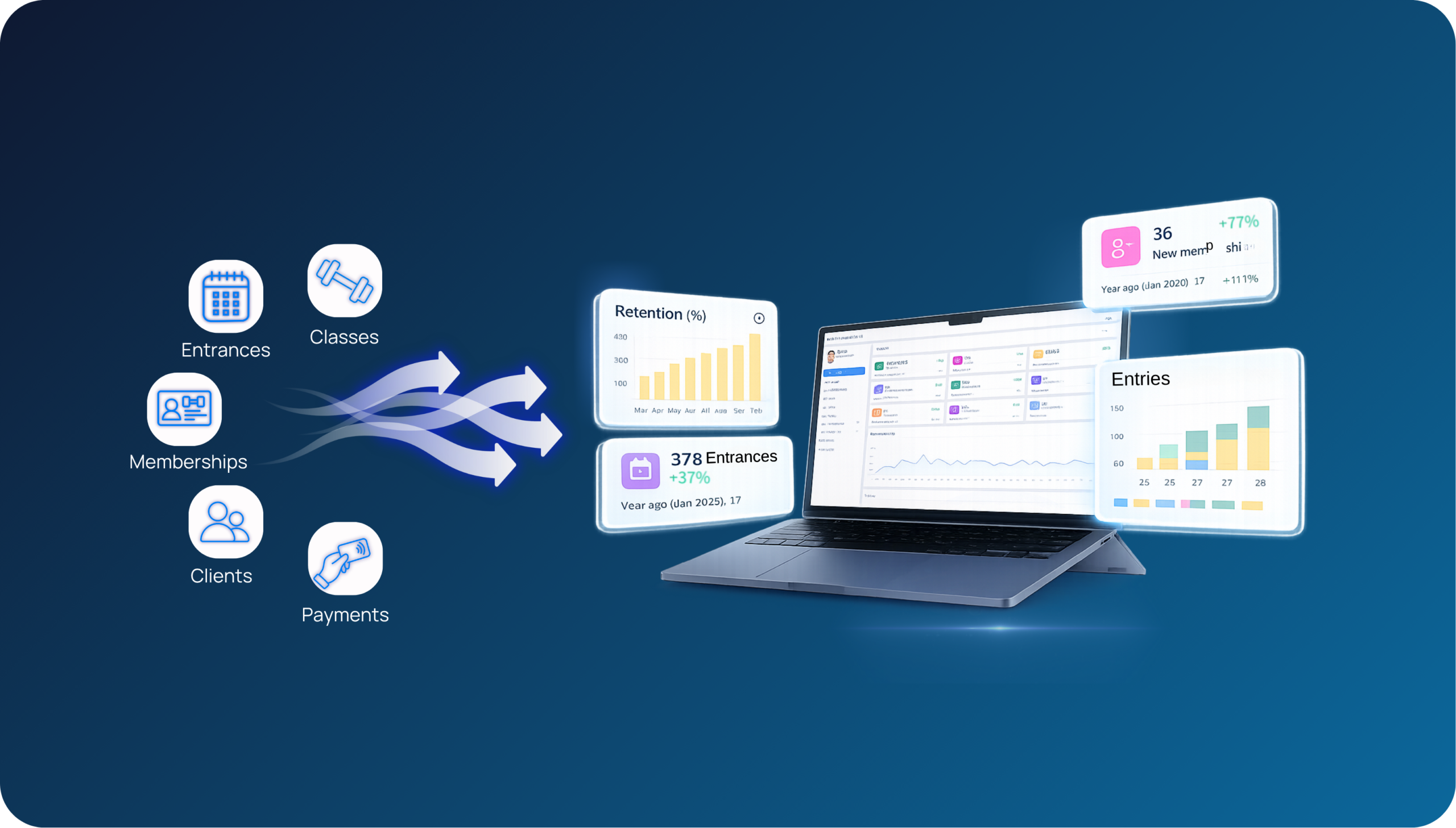
In reality, a professional gym software migration can include much more, such as:
- Customer database and member profiles
- Memberships and membership history
- Check-in and attendance history
- Class bookings and reservations
- Café and retail purchase history
- Inventory levels
- Saved payment methods for recurring memberships (where technically supported)
- Other operational data depending on your current system
At GYMMANAGER, we’ve completed dozens of successful migrations from virtually every major gym management system on the market, helping clubs transition smoothly without losing valuable information.
Every club has different migration needs
No two fitness businesses are exactly alike.
Some clubs want to migrate their entire operational history, while others only need data from the past 6 – 12 months.
That’s why every migration project begins with a consultation.
Together, we determine:
- Which data should be transferred
- Which historical period should be included
- Whether any data should be cleaned or reorganized before migration
- The best timeline for switching systems
This planning stage ensures there are no surprises later in the implementation process.
How the migration process works
A professional fitness software migration should never happen in a single step.
At GYMMANAGER, we follow a two-stage migration process.
Step 1: Test Migration
Before any live data is transferred, we perform a complete test migration.
This allows the club to review the imported information and verify that everything has been transferred correctly.
The team can check:
- Customer profiles
- Memberships
- Bookings
- Historical records
- Reports
- Other business-critical information
Only after the client confirms that everything is accurate do we move forward.
Step 2: Production Migration
Once the test migration has been approved, we perform the final migration into the live environment.
Because everything has already been verified, the production migration becomes a controlled and predictable process, minimizing downtime and ensuring a smooth transition.
Common questions about data migration
Will I lose my members’ data?
No. When migration is properly planned and executed, your member information is transferred securely to the new system.
Can recurring memberships continue working?
In many cases, yes. Depending on the payment provider and technical possibilities, recurring payment information can also be migrated.
How long does the migration take?
The timeline depends on the size of your database and the complexity of your current system. During the planning phase, you’ll receive a clear migration schedule so you know exactly what to expect.
Will my club need to close during the migration?
Not necessarily. With proper preparation, migrations can be scheduled to minimize operational disruption.
Planning ahead makes all the difference
The earlier you discuss data migration with your new software provider, the smoother the implementation will be.
A good migration plan helps identify potential challenges in advance, define realistic timelines, and ensure every important piece of information is transferred successfully.
Rather than being a source of uncertainty, migration becomes a well-managed project with clearly defined steps.
Ready to switch your gym management software?
Changing your gym management software doesn’t have to be complicated.
With the right implementation partner, your customer data, memberships, bookings, payments, and operational history can all be transferred safely and efficiently.
If you’re considering switching to GYMMANAGER, we’d be happy to review your current system, explain your migration options, and prepare a migration plan tailored to your club.
A well-planned migration means you can start benefiting from your new management system with confidence – and without unnecessary stress.